

Email Integration
Receive real-time notifications by email whenever a new threat is detected in your infrastructure.
Configure the Email Connector in TrapEye
Section titled “Configure the Email Connector in TrapEye”Log in to the TrapEye Portal.
Navigate to Settings → Integrations and select the Email card.
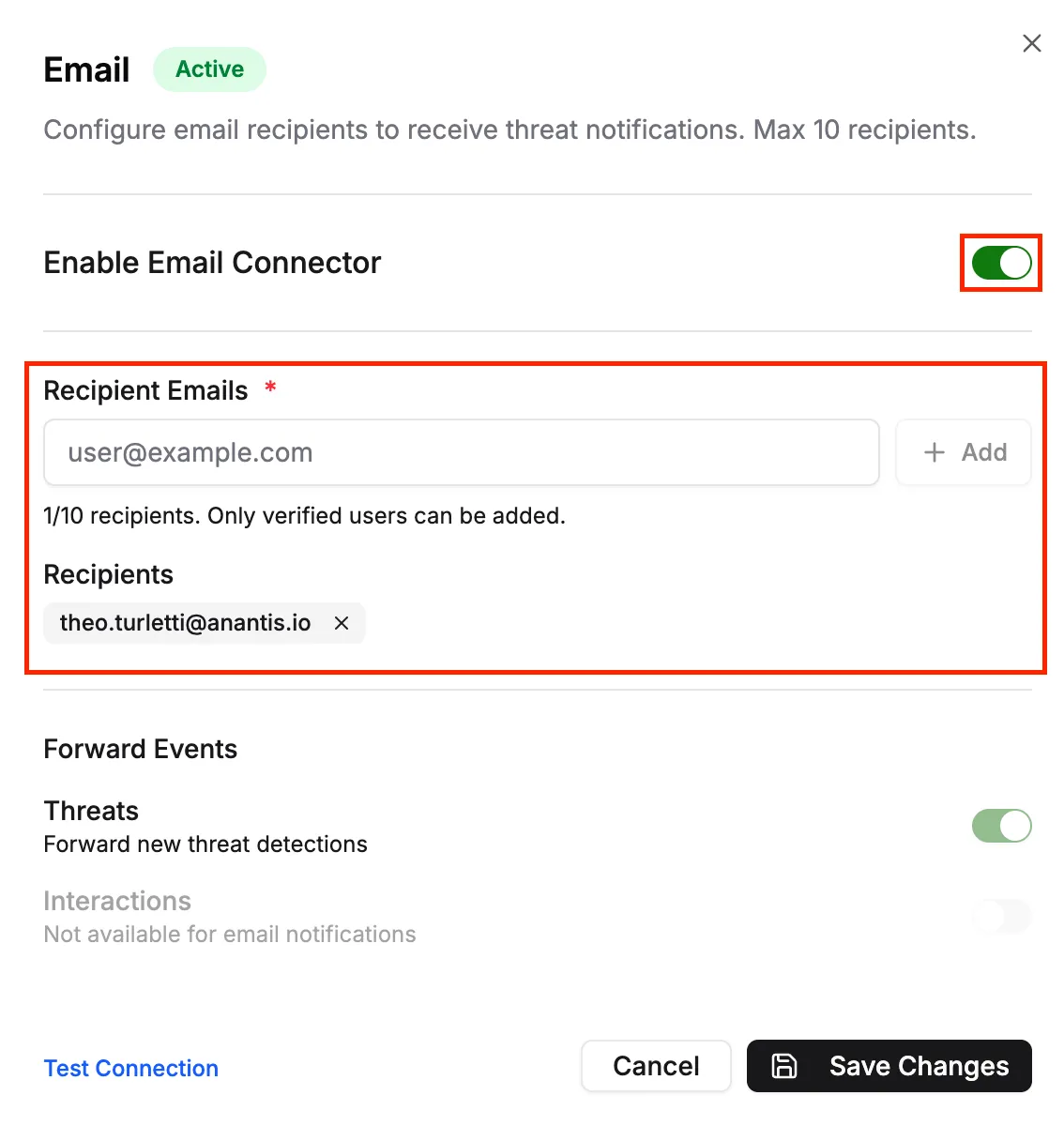
- Enable Email Connector.
- Add up to 10 email recipients.
- Click
Save Changesto apply the configuration.
Test the Email Connection
Section titled “Test the Email Connection”With the connector enabled, click Test Connection in TrapEye.
A sample event will be sent immediately to the configured email addresses.
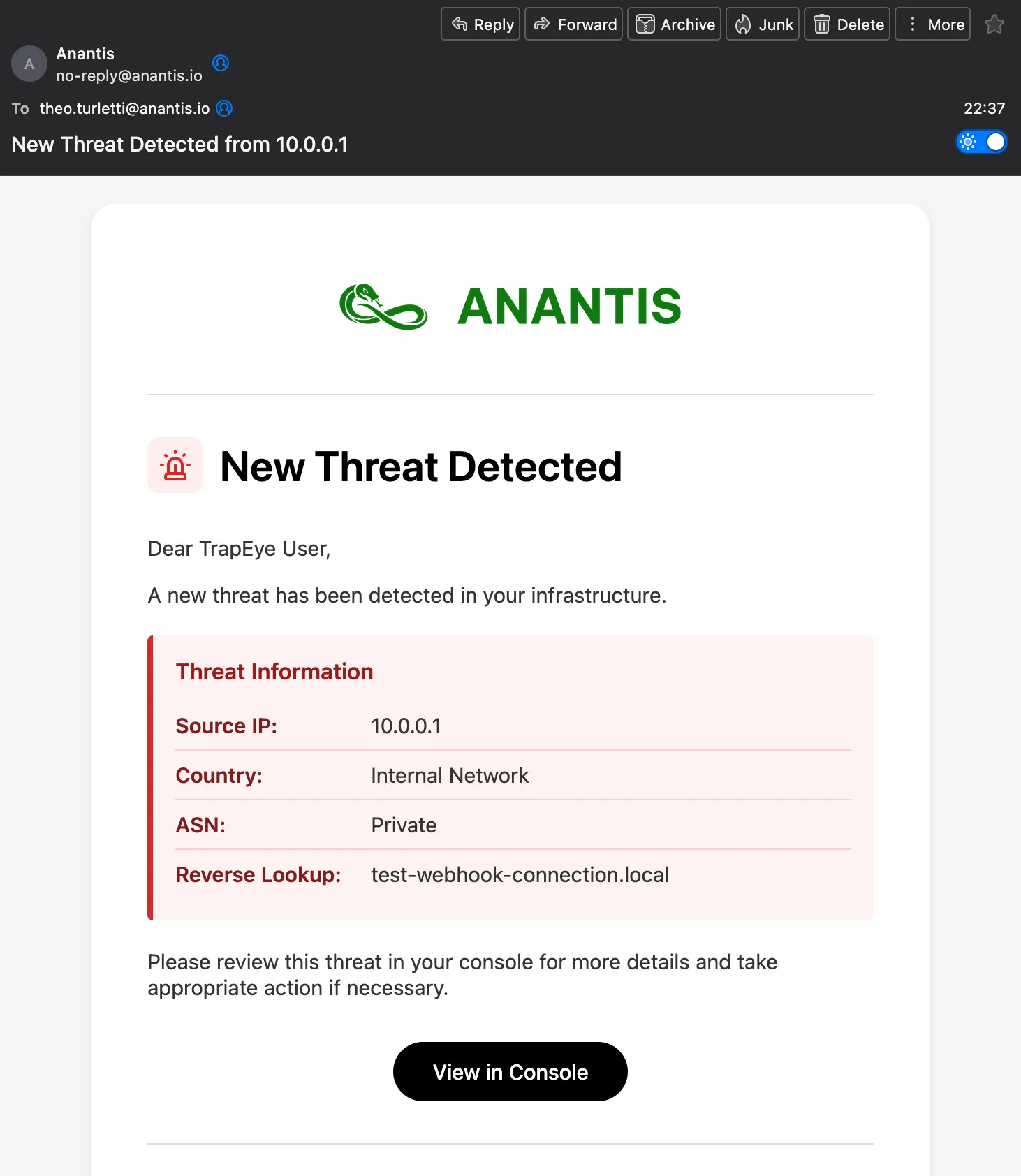
Setup Complete
Section titled “Setup Complete”Your Email Integration is now active, and TrapEye will notify you automatically when new threats are detected.